Default Apps for 2026
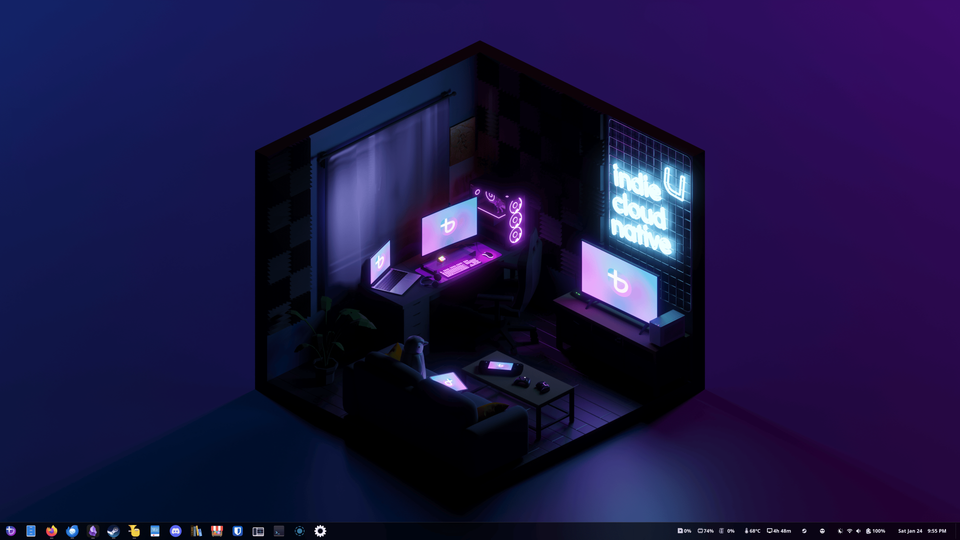
Another year, another set of defaults. I tend to bounce between going all in on Apple and prioritizing cross-platform solutions. It's exhausting! I wish I could stay with one approach for the long-term – unfortunately, I like to tweak things every now and then. Let's see how long this set-up lasts!
Speaking of defaults – I moved the blog from the top domain metagame.hk to blog.metagame.hk. Sorry for the inconvenience!
And for 2026, the default set-up includes cross-platform with a dash of Linux. I look at my default apps from last year and it's scary how many of my eggs apps are in Apple's basket. This year, I'm doing something about it. Tim Cook kowtowing to Trump and Musk, my general disdain towards US big tech, and stories like this one all make me want to distance myself from Apple.
Giving up the ecosystem benefits sucks sometimes, but I tell myself it's for the greater good.
- 🧑💻 Operating Systems: new category in 2026, because choices become less obvious. On the desktop: Bazzite Linux. I nuked the Windows partition on my Razer Blade 14 an I'm SO HAPPY. Plus, I almost don’t use my Mac mini anymore. On mobile – still iOS.
- 📨 Mail: On desktop – Thunderbird. On mobile – Apple Mail. Using a custom domain with iCloud mail. If anything happens to my Apple ID account, I should be able to easily point my email address to a different provider.
- 📆 Calendar: Thunderbird on desktop, Fantastical (subscription-free) on mobile.
- ✅ To-Do: Things. Conceding to not having a to-do app on desktop.
- 📝 Notes: Obsidian. Switched from Apple Notes.
- 🧭 Browser: Firefox. Switched from Safari.
- ✍🏻 Journaling: Obsidian (using daily notes). Switched from Day One (primarily) and Apple Notes and Apple Journal (experiments).
- 🌅 Photo Editing: Photomator, as long as Apple keeps it alive. Though, applying a filter in the Leica app usually gets me 90% there. Also, not editing on desktop at all.
- 🎞️ Photo Management: Apple Photos.
- 📑 RSS, Read Later: Readwise Reader.
- 🔐 Password Management: Bitwarden. Switched from Apple Passwords.
- ☁️ Cloud Storage: iCloud, Obsidian Sync.
- 💸 Budgeting and Personal Finance: Google Forms for data entry, Google Sheets for data storage and analysis.
- 🎵 Music: Apple Music.
- 🎙️ Podcasts: Apple Podcasts.
- 📚 Books: Apple Books + maintaining a DRM-free library in Calibre. Moved all my books out of Kindle just before Amazon removed the option to download the books you purchased to your computer.
- 👨🏻💻 Blogging: Hosting and publishing on Ghost. Writing mostly in Obsidian.
- 🤖 AI: Microsoft Copilot, reluctantly.
- 🔎 Search: Startpage.
- 📢 Social Media: Moving away from it more and more. If I'm active, it's on Mastodon. I barely use Threads or Instagram these days.
Realistically, I'm unlikely to give up the iPhone. Google's Android is not an alternative. Using iPhone apps is therefore somewhat unavoidable. I’m trying to distance myself from Apple’s services but there is still work to be done.
All in all, the goal is to send less money to the US, send less money to big tech, own my data, own my purchases (it's absurd that I even need to say that), and not suffer huge inconveniences while making these moves. These defaults are another step in this direction.
Member discussion